
Download GetDiz – text editor, notepad replacement, nfo viewer, diz viewer, lightweight text editor, code editor, file viewer, document editor
Overview
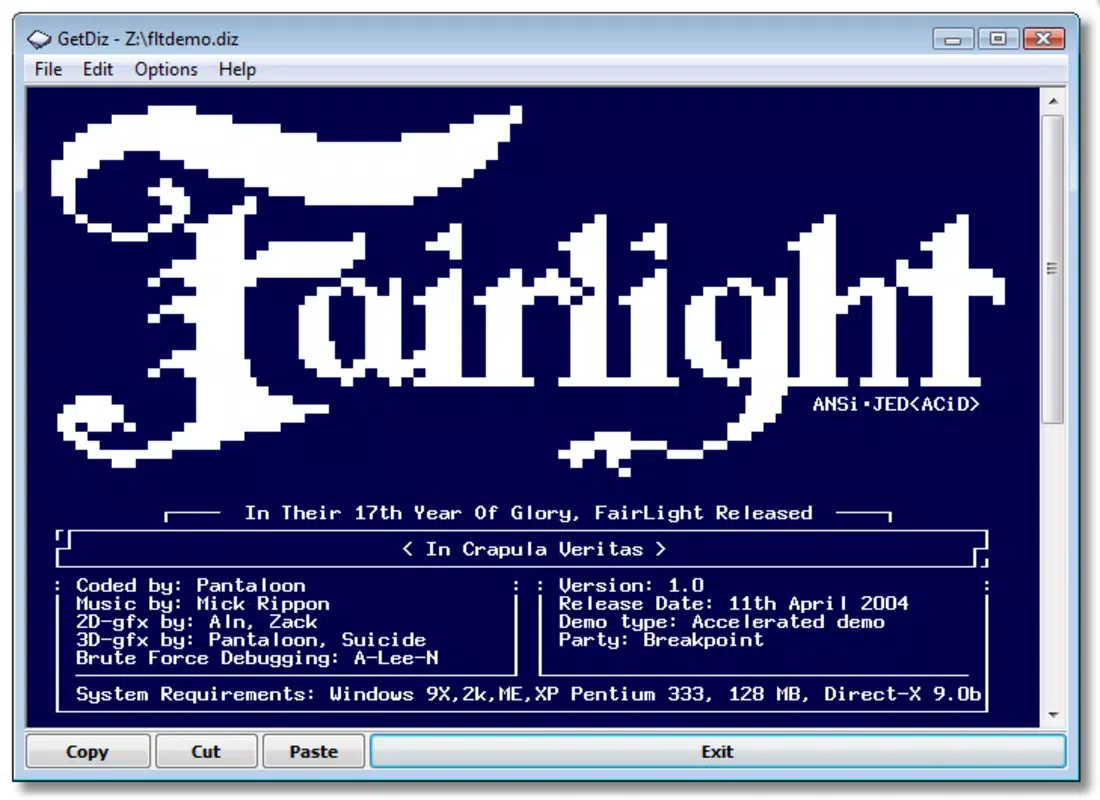
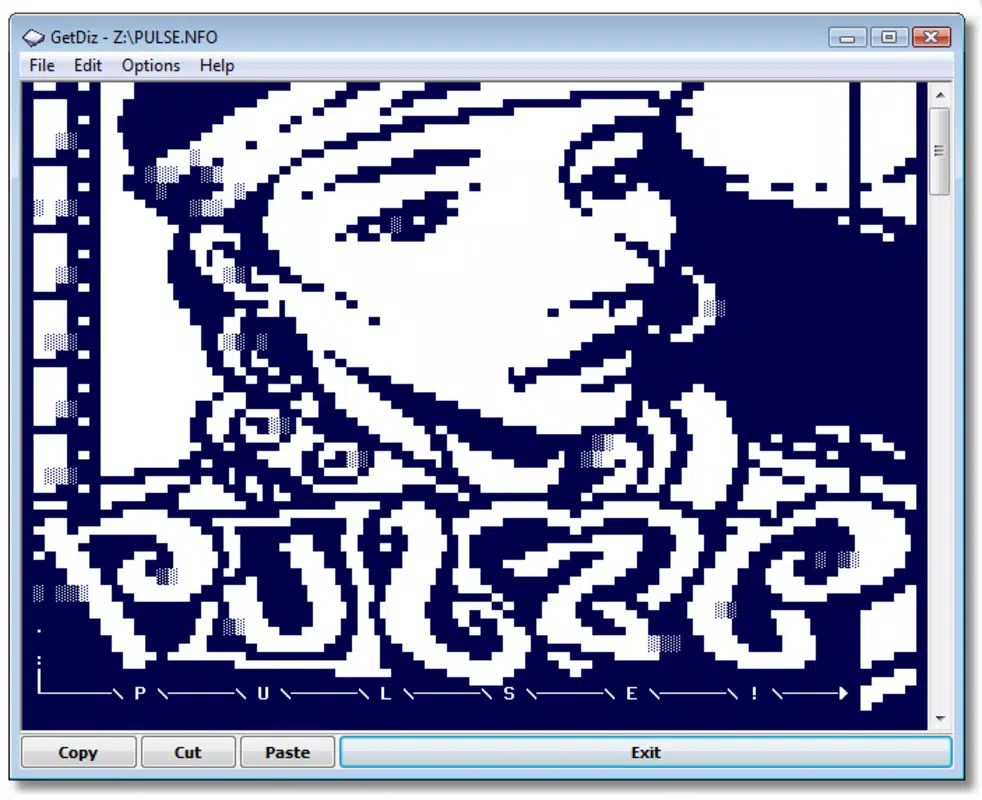
GetDiz is a specialized text editor designed to serve as a modern, feature-rich alternative to the classic Windows Notepad. While maintaining the minimal footprint and rapid startup times associated with lightweight tools, GetDiz expands functionality to meet the needs of users who require more than basic text input and display. Originally developed as a dedicated viewer for NFO and DIZ files—commonly used in the demoscene and software distribution communities—it has evolved into a versatile utility for managing and formatting plain text documents. The app is particularly useful for users who frequently work with technical documentation, code snippets, or stylized text files that demand visual clarity and structured formatting.
Target users include developers, system administrators, content creators, and enthusiasts involved in retro computing or digital art communities. Its ability to render text with customizable fonts, sizes, and styles makes it ideal for creating visually engaging documents without compromising speed or system resources. GetDiz addresses the limitations of standard text editors by offering enhanced readability and interactivity through features like clickable links and keyword highlighting. In the broader productivity ecosystem, it fills a niche for users seeking a secure, fast, and unobtrusive tool that supports both functional editing and aesthetic presentation.
Key Features & Functionality
- Enhanced Text Editing: Users can apply custom fonts, sizes, and styles to text, enabling better visual hierarchy and emphasis on critical content. This feature is especially beneficial when preparing documentation or crafting stylized messages for sharing.
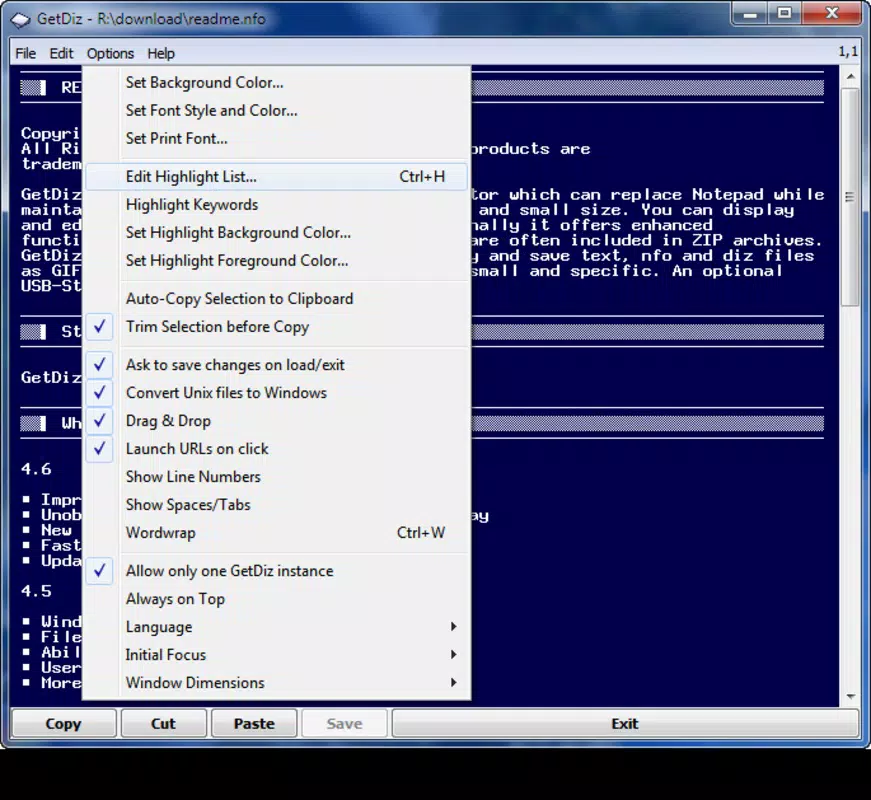
- Keyword Highlighting: This functionality allows users to define specific terms for automatic color highlighting, making it easier to scan long documents or code files for important keywords without manual searching.
- Search and Replace Tool: A robust find-and-replace engine supports case-sensitive and whole-word matching, streamlining bulk edits across large text files. This is invaluable for correcting typos, updating references, or standardizing terminology.
- Clickable Links: Text-based URLs and email addresses can be embedded directly into documents, allowing users to open them instantly with a single click—ideal for sharing tutorials, technical guides, or project documentation.
- Lightweight and Fast: Despite its expanded feature set, GetDiz maintains a minimal memory footprint and fast performance, ensuring smooth operation even on older or low-resource systems.
For example, a demoscene artist can use GetDiz to preview and share a visually styled NFO file with embedded links to download their work. A developer might use the search and replace function to update version numbers across multiple configuration files. The combination of performance and utility makes it a practical tool across various professional and hobbyist workflows.
Interface, UX & Performance
The user interface of GetDiz follows a clean, minimalist design that prioritizes readability and accessibility. The layout is centered around a single text pane with a simple menu bar and status indicators, minimizing distractions while maximizing focus on content. Navigation is intuitive, relying on standard keyboard shortcuts and context-sensitive actions that align with common user expectations in text editing tools.
Visual styling is consistent and functional, with support for monospaced and proportional fonts, allowing users to tailor the display to their preferences. The editor responds quickly to input, with minimal lag during typing, scrolling, or formatting changes. Although the developer did not list formal performance metrics, the app’s 1.8 MB file size and long-standing release history suggest optimized resource usage.
Responsiveness is maintained across different device categories, including low-end systems and modern desktops, thanks to its efficient codebase. Stability appears reliable, with no reported issues related to crashes or data corruption. The application launches swiftly and maintains consistent performance during extended editing sessions.
Platform Compatibility & Technical Requirements
GetDiz is designed for the Windows platform and is compatible with all major versions of the operating system. The current version is 1.0.3.3, released on March 17, 2015. The application has a file size of 1.8 MB, making it highly portable and suitable for use on systems with limited storage.
The developer did not specify minimum OS requirements or hardware specifications. However, given its lightweight nature and long-standing presence, it is likely compatible with Windows 7 and later versions. Compatibility information was not fully disclosed, so users should verify system compatibility before installation.
Pros and Cons
Pros
- Lightweight and fast, ideal for low-resource environments
- Supports NFO and DIZ file viewing with enhanced formatting
- Offers customizable text styling and font options
- Includes efficient search and replace functionality
- Enables clickable links within text documents
- Free to download and use with no ads or in-app purchases
Cons
- Not available for mobile platforms such as Android or iOS
- Development activity appears limited since 2015
- No built-in spell check or auto-save functionality
- Interface lacks modern visual enhancements or dark mode
- Compatibility with newer Windows versions not explicitly confirmed
FAQ
Is GetDiz safe to download and install?
Yes, GetDiz is a free and open utility with no known malware or security risks. It is distributed through trusted software repositories and has been in use since 2015 without major incidents.
Can I use GetDiz on Windows 10 or Windows 11?
While the developer did not specify compatibility with newer Windows versions, the app’s lightweight design and long history suggest it should function on Windows 10 and Windows 11 systems. Users are advised to test installation on their specific setup.
Does GetDiz support dark mode or high-contrast themes?
The application does not currently include a dark mode or high-contrast theme. The interface uses a standard light background with black text, which may affect usability in low-light environments.
Is GetDiz available for Android or iOS?
No, GetDiz is exclusively available for the Windows platform. There is no official mobile version for Android or iOS devices.
How often is GetDiz updated?
The last version, 1.0.3.3, was released in 2015. The developer has not announced any recent updates, suggesting the app is in maintenance mode rather than active development.
Final Thoughts
GetDiz stands out as a reliable, no-frills text editor that successfully balances simplicity with enhanced functionality. For users who value speed, minimal resource usage, and the ability to view and edit NFO and DIZ files with style, it remains a compelling choice. While it lacks modern features like dark mode or auto-save, its core capabilities are well-executed and efficient. The absence of ads and the free pricing model further enhance its appeal.
It is particularly suited for developers, retro computing enthusiasts, and professionals who need a dependable tool for managing plain text without the overhead of larger editors. In an era of bloated software, GetDiz offers a refreshing reminder of what a focused utility can achieve.
Download GetDiz now


